How Much RAM Do You Need to Run QuickBooks
Feb 23, 2026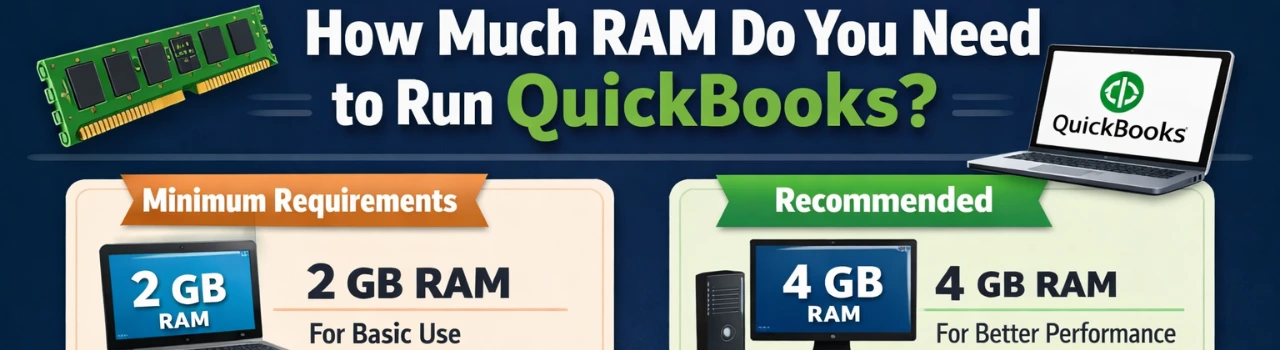
Book a demo with one of our experts!
- Get a guided tour
- Let's do the setup together
- 100% Free
The amount of RAM you need depends on which version of QuickBooks you’re using — Online or Desktop.
QuickBooks Online
QuickBooks Online runs in your web browser, so it doesn’t require heavy system resources.
- Minimum: 4 GB RAM
- Recommended: 8 GB RAM
If you use multiple browser tabs, Excel, or other apps at the same time, 8 GB will give you smoother performance.
QuickBooks Desktop
QuickBooks Desktop requires more system power because it runs directly on your computer.
- Minimum: 8 GB RAM
- Recommended: 16 GB RAM (especially for larger company files or multiple users)
For businesses with large data files, inventory tracking, payroll, or multi-user environments, more RAM helps prevent lag and freezing.
Why RAM Matters
RAM affects how fast QuickBooks loads reports, switches between screens, and processes large transactions. Insufficient memory can cause slow performance, crashes, or errors.
Pro Tip
If your business is growing, choose slightly higher RAM than the minimum requirement. It improves speed and ensures smoother performance as your data increases.

Contact Information


Request a Quote
