How AI Agents Automate Invoicing in QuickBooks® for US Small Businesses
Dec 31, 2025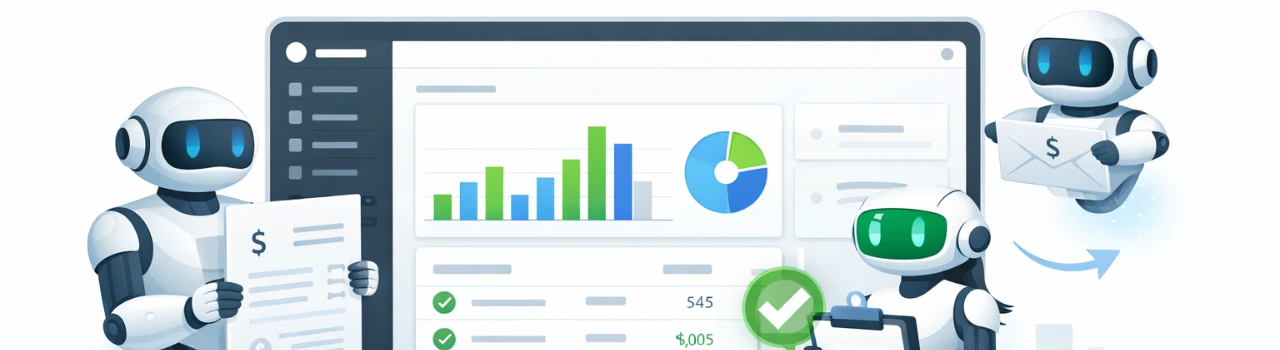
Book a demo with one of our experts!
- Get a guided tour
- Let's do the setup together
- 100% Free
Managing invoices manually in QuickBooks® can quickly become time-consuming and error-prone for small and mid-sized businesses (SMBs). Late invoices, incorrect amounts, missing taxes, and delayed payments directly impact cash flow — especially for US businesses handling high transaction volumes.
This is where AI agents combined with QBIS Sync are transforming invoicing workflows inside QuickBooks® Online and QuickBooks® Desktop. By automating invoice creation, syncing data in real time, and reducing manual intervention, AI invoice automation helps US SMBs get paid faster and operate more efficiently.
What Is AI-Based Invoice Automation in QuickBooks®?
AI-based invoice automation uses intelligent agents to handle repetitive invoicing tasks inside QuickBooks®, such as:
- Automatically creating invoices from sales or service data
- Matching customers, products, and taxes correctly
- Syncing invoice status (paid, unpaid, overdue) in real time
- Reducing manual data entry and accounting errors
Unlike basic automation rules, AI agents learn patterns, adapt to business workflows, and continuously improve accuracy over time.
Common Invoicing Problems Faced by US SMBs Using QuickBooks®
Many US small businesses rely on QuickBooks®, but still struggle with invoicing due to manual processes.
Typical challenges include:
- Delayed invoice creation after a sale or service
- Incorrect line items or tax calculations
- Duplicate or missing invoices
- Slow follow-ups on unpaid invoices
- Increased accounting workload during month-end close
These issues often result in late payments, poor cash flow visibility, and higher operational costs.

How AI Agents Work with QuickBooks® to Automate Invoices
AI agents connect with QuickBooks® through secure integrations like QBIS Sync and automate the entire invoice lifecycle.
Key automation steps include:
Data capture
AI pulls sales, service, or order data from connected systems.
Smart invoice creation
Invoices are automatically generated in QuickBooks® with correct customers, items, quantities, and pricing.
Tax and compliance mapping
AI applies appropriate US tax rules and accounting categories.
Real-time status sync
Invoice updates such as paid, partially paid, or overdue are synced instantly.
Continuous learning
AI improves accuracy based on historical invoicing patterns.
How QBIS Sync Enables AI Invoice Automation in QuickBooks®
QBIS Sync acts as the intelligent bridge between AI agents and QuickBooks®, ensuring reliable, secure, and real-time data flow.
With QBIS Sync, businesses can:
- Automate invoice creation in QuickBooks® Online & Desktop
- Sync invoices from third-party systems without data loss
- Maintain audit-ready records for US accounting standards
- Reduce manual intervention and reconciliation time
QBIS Sync is designed specifically for US SMB accounting workflows, making automation both scalable and compliant.
Benefits of AI Invoice Automation for US Small Businesses
AI-driven invoicing delivers measurable improvements across operations.
Key benefits include:
Faster payments: Invoices are sent instantly after transactions
Improved cash flow: Better visibility into receivables
Fewer errors: Reduced manual entry and duplication
Lower costs: Less time spent on invoicing and corrections
Scalability: Easily handle growth without increasing accounting staff
For US SMBs, this means more control, predictability, and profitability.
Real-World Use Case: US Service Business Automating Invoices with QBIS
A US-based professional services company handling hundreds of monthly invoices faced frequent delays and reconciliation issues.
Before AI automation:
- Manual invoice creation
- Frequent pricing and tax errors
- Delayed payments by 10–15 days
After implementing AI invoice automation with QBIS Sync:
- Invoices created automatically within minutes
- Error rates reduced by over 80%
- Average payment time reduced by 35%
- Accounting team saved multiple hours every week
This shift allowed the business to focus on growth instead of manual billing tasks.
Is AI Invoice Automation Secure and Compliant in the USA?
Security and compliance are critical for US businesses using accounting software.
AI invoice automation with QBIS Sync follows best practices, including:
- Secure data transmission
- Controlled access permissions
- Audit-friendly transaction logs
- Compatibility with US accounting and tax requirements
This ensures businesses can automate confidently without compromising financial data integrity.
How to Get Started with AI Invoice Automation in QuickBooks®
Getting started with AI invoice automation doesn’t require a complex overhaul.
Typical onboarding steps include:
- Reviewing current invoicing workflows
- Identifying automation opportunities
- Connecting QuickBooks® with QBIS Sync
- Configuring AI rules and mappings
- Testing and going live
Most US SMBs can begin seeing results in a short timeframe.
Get Started with AI Invoice Automation Today
QBIS helps US small businesses automate invoicing in QuickBooks® using AI-powered sync solutions.
Get a Free QuickBooks® Invoice Automation Audit (USA SMBs)
Book a Free 30-Minute AI Invoicing Consultation
Reduce invoice errors, accelerate payments, and modernize your QuickBooks® workflow with QBIS.
FAQs
1. Can AI automatically create and send invoices in QuickBooks®?
Yes. AI agents can automatically generate invoices and sync them into QuickBooks®, reducing manual effort.
2. Is AI invoice automation compatible with QuickBooks® Online and Desktop?
Yes. QBIS Sync supports automation for both QuickBooks® Online and QuickBooks® Desktop.
3. How does AI invoice automation improve cash flow for US SMBs?
By sending invoices faster, reducing errors, and improving visibility into receivables, businesses get paid sooner.
4. Is AI-based invoicing secure for US accounting compliance?
Yes. Secure integrations, access controls, and audit logs ensure compliance with US accounting standards.
5. How long does it take to set up AI invoice automation with QBIS Sync?
Setup time varies, but many US SMBs can start automation within a short implementation window.

Contact Information


Request a Quote
