Afterpay + QuickBooks® Integration with QBIS
Automate Your Afterpay Payment Sync with QuickBooks® Using QBIS Sync
Schedule Call Now Powered by AI.
Automated Insights, Human-Supervised
Powered by AI.
Automated Insights, Human-Supervised
Book a demo with one of our experts!
- Get a guided tour
- Let's do the setup together
- 100% Free
Integration Made Easy
Sync Payments, Orders & Customers Effortlessly
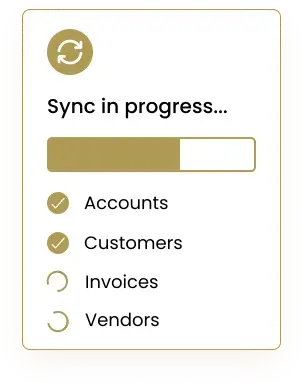
Connect Afterpay with QuickBooks® using QBIS Sync to automate every part of your payment workflow. Sync customer payments, order details, fees, refunds, and deposit summaries directly into QuickBooks®—removing manual entry and reducing reconciliation time. QBIS ensures accuracy, full automation, and real-time tracking for smoother financial management.



Eliminate Manual Payment Posting & Improve Cash Flow Tracking
QBIS Sync helps your business scale by automating payment entries, matching Afterpay transactions, and posting them to the correct income and fee accounts. This reduces accounting errors, improves cash flow visibility, and frees up valuable time for your finance team.
Real-Time Data Sync for Accurate Accounting
Get instant updates whenever a customer makes an Afterpay payment. QBIS Sync automatically transfers payment data to QuickBooks® in real time, ensuring your books stay current and accurate without any manual effort.


Looking for a Best Services for your business?
FAQs

Contact Information


Request a Quote
