Which Is Better, QuickBooks® or Excel?
Feb 13, 2026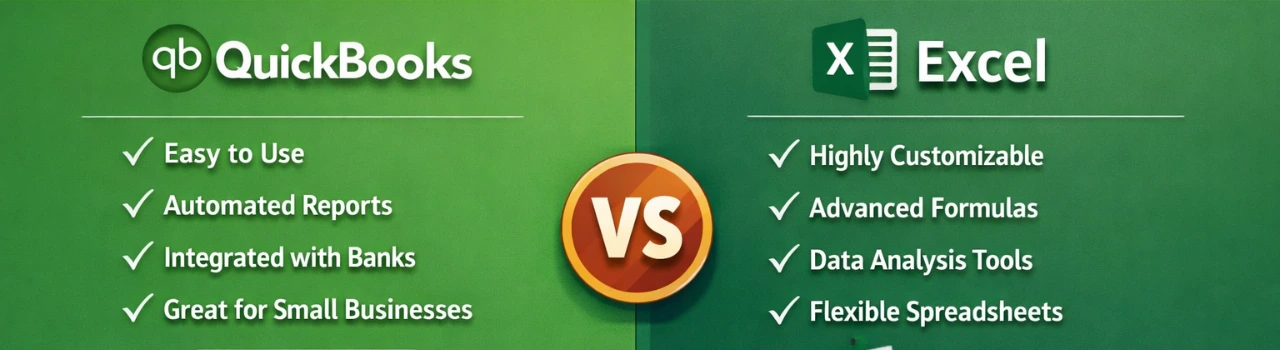
Book a demo with one of our experts!
- Get a guided tour
- Let's do the setup together
- 100% Free
When it comes to managing your finances, both QuickBooks® and Excel are useful — but they serve very different purposes. Excel is a powerful spreadsheet tool that helps you track numbers, build custom reports, and organize data manually. Many people use Excel for simple budgets, lists, or one-off calculations because it’s flexible and familiar.
However, Excel isn’t built specifically for bookkeeping or accounting. It does not automatically connect to your bank accounts, calculate taxes, reconcile accounts, or generate financial statements without manual setup and formulas. This makes Excel time-consuming and prone to errors if your finances are complex or fast-moving.
QuickBooks®, on the other hand, is designed specifically for businesses. It automatically syncs with your bank and credit cards, tracks income and expenses, generates profit and loss reports, and simplifies tax preparation. QuickBooks® gives you real-time financial visibility, accuracy, and professional reporting, which is critical as your business grows.
For basic record-keeping or simple budgeting, Excel might be “good enough.” But for reliable bookkeeping, ongoing accounting, and smart decision-making, QuickBooks® is usually the better choice — especially for small businesses, freelancers, and growing companies.

Contact Information


Request a Quote
