What’s the Best Way to Move Accounting Data to a Modern Business System?
Dec 30, 2025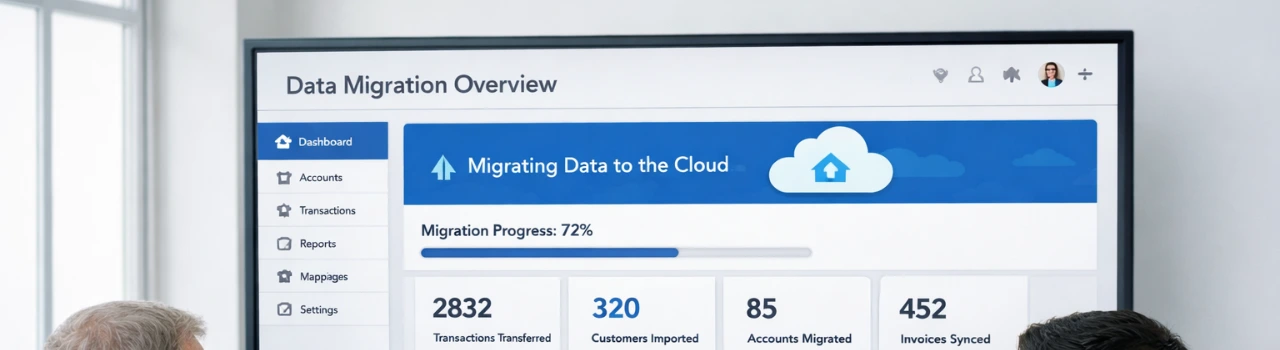
Book a demo with one of our experts!
- Get a guided tour
- Let's do the setup together
- 100% Free
If you’re asking what’s the best way to move accounting data to a modern business system, chances are something isn’t working in your current setup.
Maybe your accounting software is outdated.
Maybe reports don’t match.
Or maybe manual data entry is slowing your team down.
The truth is — data migration is not just about moving numbers, it’s about protecting your business history while preparing for growth.
Why Accounting Data Migration Fails for Many Businesses
Most businesses assume data migration is a “one-click export.” It’s not.
Common problems include:
- Missing historical transactions
- Incorrect opening balances
- Broken customer or vendor records
- Lost audit trails
- Inventory and payroll mismatches
These mistakes don’t show up immediately — they appear later during tax filing, audits, or financial reviews.
That’s when migration becomes expensive.
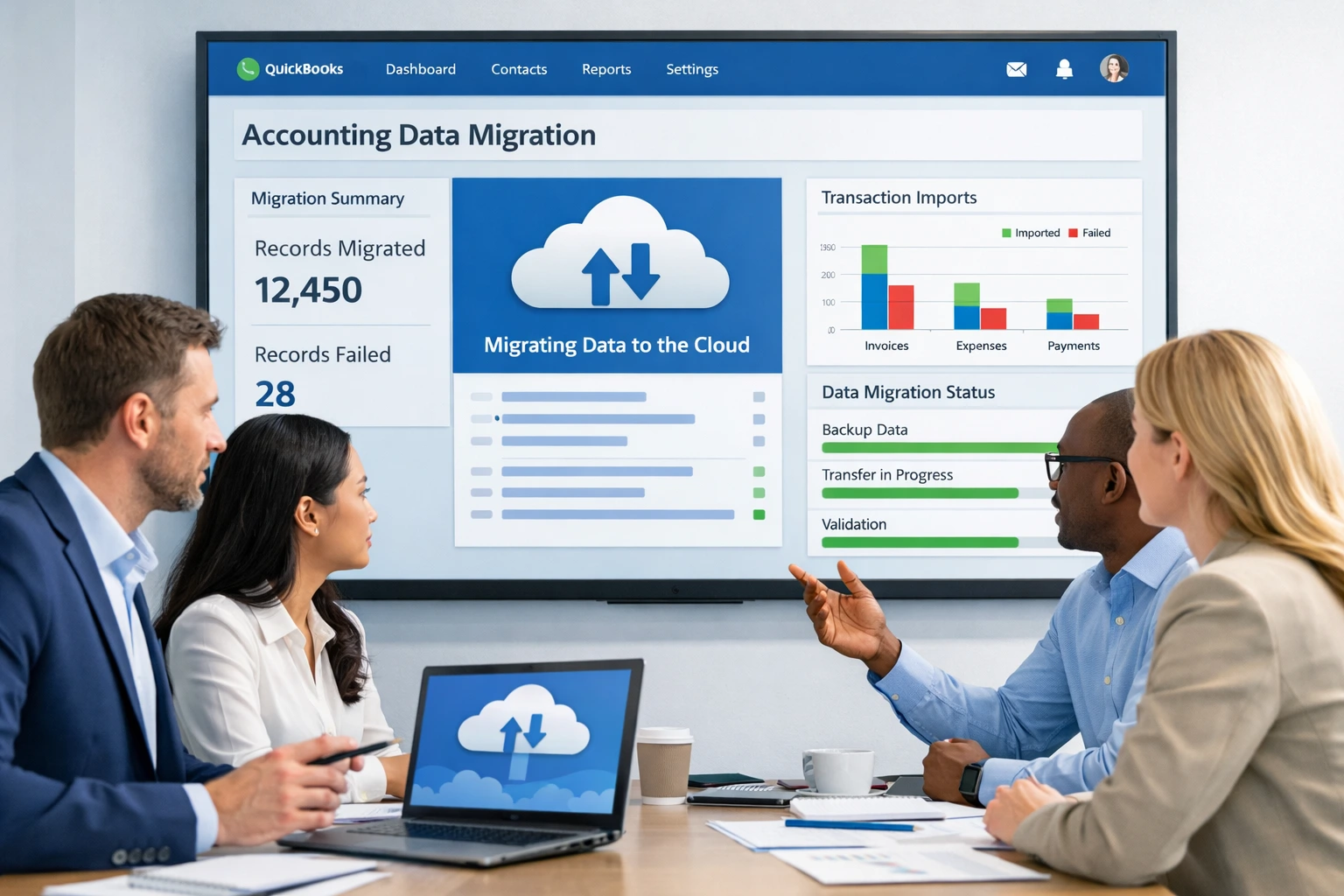
So, What Is the Best Way to Move Accounting Data?
The best way to move accounting data to a modern business system is through a planned, custom, and validated migration process — not a generic import tool.
A successful migration should:
- Preserve historical accuracy
- Match old and new account structures
- Validate balances before and after migration
- Support your new system’s workflows
- Avoid business downtime
This is exactly where QBIS helps.
How QBIS Handles Accounting Data Migration the Right Way
QBIS specializes in custom accounting data migration and system integration. We don’t just move data — we understand how your business uses it.
With QBIS, you get:
- Secure migration from legacy systems to modern platforms
- Custom mapping for accounts, customers, vendors, and transactions
- Support for QuickBooks® Online, QuickBooks® Desktop, and other systems
- Validation checks to ensure financial accuracy
- Zero disruption to daily operations
Every migration is tailored to your business needs.
When Do You Need a Custom Migration Instead of a Tool?
You likely need a custom solution if:
- You’re moving from legacy or unsupported accounting software
- You have large volumes of historical data
- Your chart of accounts is complex
- You use multiple systems (CRM, payroll, inventory, ERP)
- You want clean, future-ready financial reporting
If accuracy matters, shortcuts don’t work.
Why Businesses Trust QBIS for Data Migration
Businesses choose QBIS because:
- We migrate data with context, not just files
- We reduce risk and rework
- We align accounting data with business workflows
- We provide post-migration support
Your accounting system is the backbone of your business. It deserves a migration that’s done right.
Final Thoughts
If you’re searching what’s the best way to move accounting data to a modern business system, the answer is clear:
a custom, validated migration built around your business — not a generic import.
Tell QBIS about your current system and where you want to move. We’ll design a secure, accurate migration plan that supports your growth.
FAQs
1. What is the safest way to move accounting data to a modern business system?
The safest way is a custom, validated data migration that preserves historical transactions, balances, and audit trails. QBIS follows a structured migration process with data checks to prevent loss or errors.
2. Can accounting data be migrated without losing historical records?
Yes. With the right approach, all historical data—customers, vendors, invoices, payments, and reports—can be migrated accurately. QBIS ensures your financial history remains intact and usable in the new system.
3. Why do standard import tools fail during accounting data migration?
Standard tools often skip complex data like linked transactions, inventory, or payroll details. QBIS handles these complexities through custom mapping and validation, avoiding mismatched balances and broken reports.
4. Which systems can QBIS migrate accounting data to or from?
QBIS supports migrations between legacy accounting software, QuickBooks® Online, QuickBooks® Desktop, and modern business systems, with integrations tailored to your operational needs.
5. How long does it take to move accounting data to a new system?
Migration time depends on data volume and complexity. QBIS plans migrations to minimize downtime while ensuring accuracy, usually completing projects faster than manual or trial-and-error methods.

Contact Information


Request a Quote
