QuickBooks® Utility Application: Your Easy Fix for Every Error
Nov 28, 2025
Book a demo with one of our experts!
- Get a guided tour
- Let's do the setup together
- 100% Free
If you're a QuickBooks® Desktop user, you've likely encountered your share of errors – from the infamous 6000 series to H202 or general File Doctor issues. When QuickBooks® isn't working correctly, it can bring your entire business operations to a halt.
The most straightforward and official solution to these problems is the QuickBooks® Utility Application, officially known as the QuickBooks® Tool Hub. This is Intuit®'s "one-stop shop" designed to diagnose and repair 99% of your common QuickBooks® issues. In this detailed guide, we'll explore what the Tool Hub is, the powerful tools it contains, and how to use it effectively to get your QuickBooks® back on track.
What is the QuickBooks® Utility Application (Tool Hub)?
The QuickBooks® Utility Application, formally named the QuickBooks® Tool Hub, is a free software developed by Intuit®. Its primary function is to diagnose and automatically repair errors that arise within your QuickBooks® Desktop application.
It's a compact application that houses several powerful tools, each designed to address different types of problems, such as company file corruption, network issues, installation problems, and program malfunctions.

Visual of QuickBooks® Tool Hub Interface
Key Tools Within the QuickBooks® Tool Hub
The Tool Hub is organized into various sections, each targeting a specific type of error. Mentioning these tools is crucial for comprehensive SEO.
Company File Issues (The File Doctor):
- This is the most critical section. It contains the renowned QuickBooks® File Doctor tool.
- This tool addresses data corruption, Error 6000 series (file opening errors), and H202 (multi-user errors).
Network Issues:
- Used when QuickBooks® is being accessed by multiple users in a multi-user environment.
- Diagnoses network connectivity and server-related errors.
Program Problems:
- If your QuickBooks® program is running slow, freezing, or crashing.
- Includes options like Quick Fix My Program and the Clean Install Tool.
Installation Issues:
- Helps resolve problems encountered during QuickBooks® installation or uninstallation.
How to Use the QuickBooks® Utility Application (Step-by-Step)
Using the Tool Hub is straightforward. Follow these steps:
Step 1: Download and Install the Tool Hub
- Close QuickBooks® Desktop.
- Download the latest version of the QuickBooks® Tool Hub from the official Intuit® website.
- Open the downloaded file and follow the on-screen instructions to install the Tool Hub.
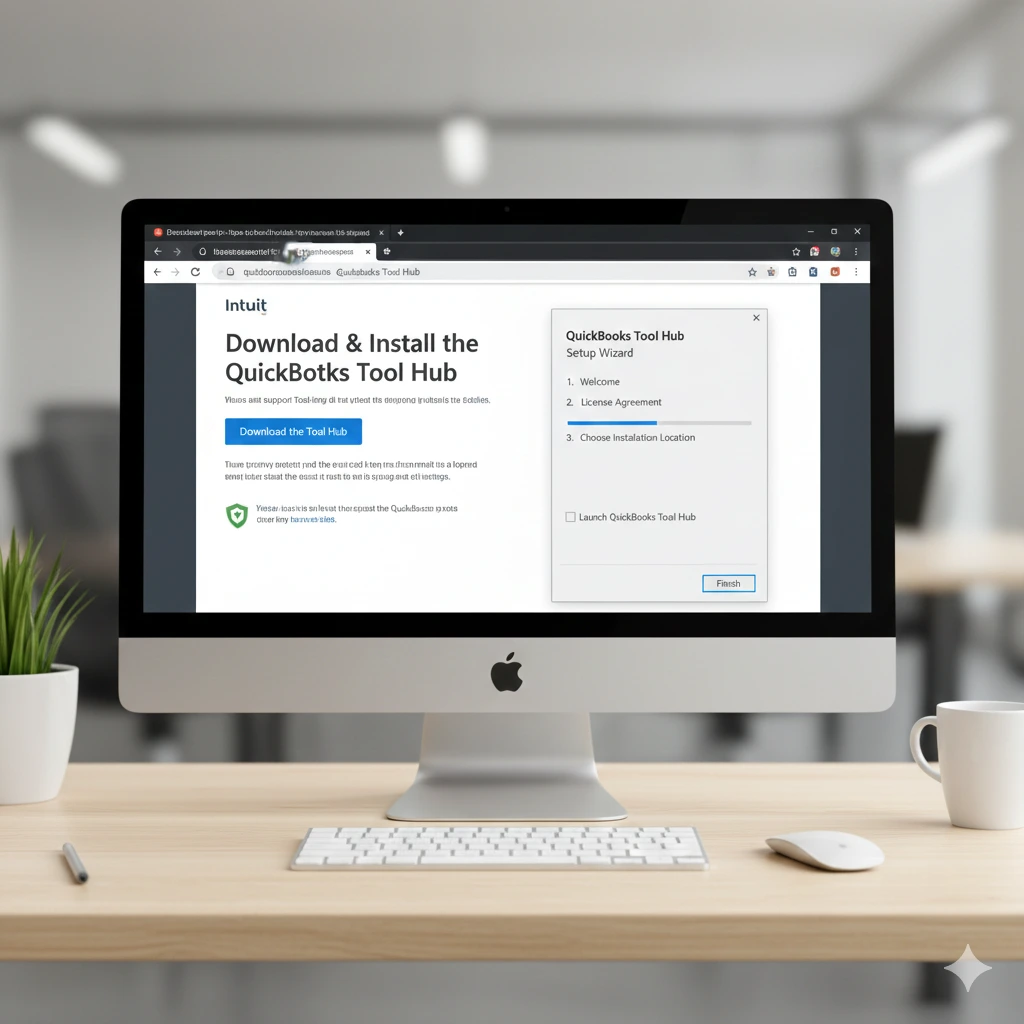
Computer Screen Showing Tool Hub Download/Installation
Step 2: Run the Utility Application
- Double-click the QuickBooks® Tool Hub icon on your desktop to open it.
- Once open, select the category that matches your problem (e.g., if your company file isn't opening, click Company File Issues).
Step 3: Run the File Doctor
- Click on the Company File Issues tab.
- Click the Run QuickBooks® File Doctor button.
- Select your company file from the drop-down menu.
- You'll be given two options: (1) File Damage and Network Connectivity or (2) Network Connectivity Only.
- In most cases, choose File Damage and Network Connectivity.
- Enter your QuickBooks® admin password and click Next.
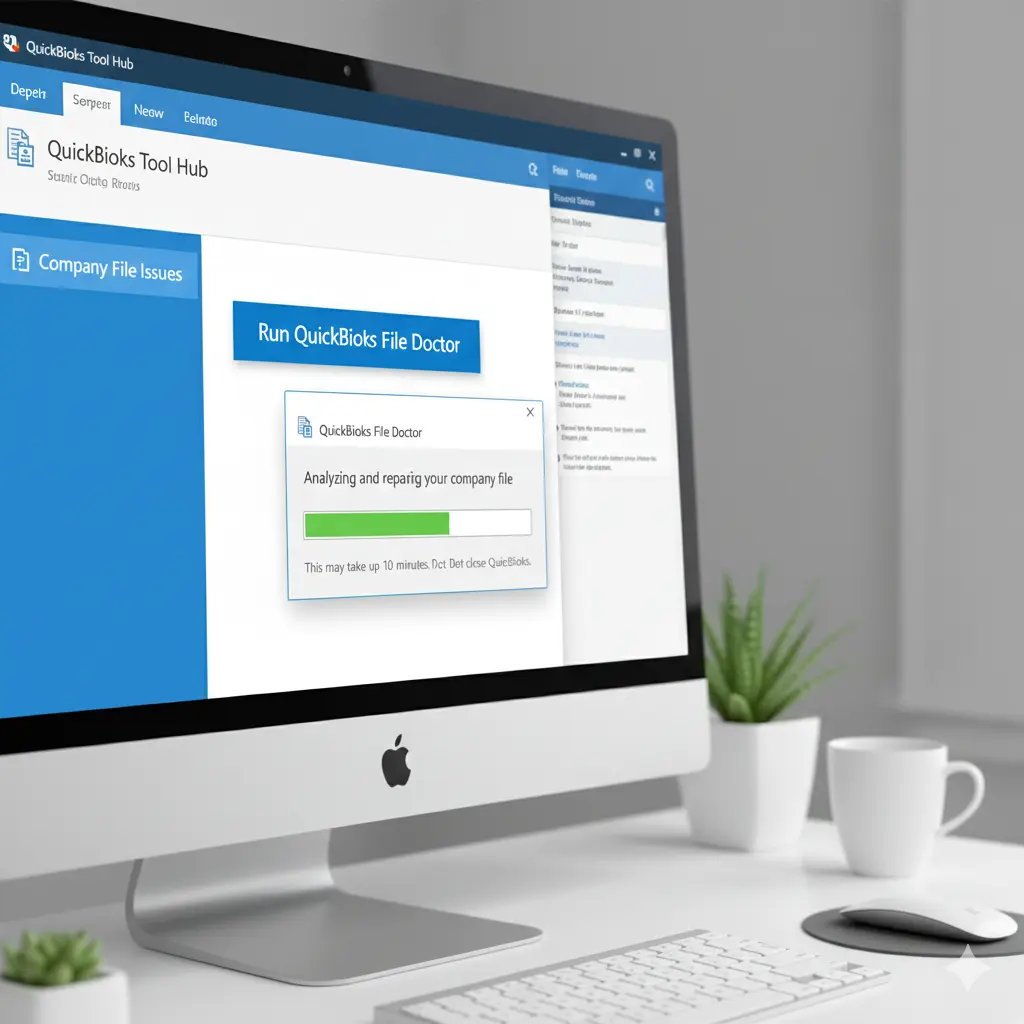
File Doctor Running/Progress Bar
The QuickBooks® Utility Application (Tool Hub) is a powerful and essential tool that can save you countless hours of troubleshooting and calls to support. Whether it's file corruption, a network error, or a program glitch, the Tool Hub empowers you to fix your QuickBooks® issues on your own. Keep this handy tool accessible!

Contact Information


Request a Quote
