What Types of Information Will Not Migrate to QuickBooks® Online?
Feb 19, 2026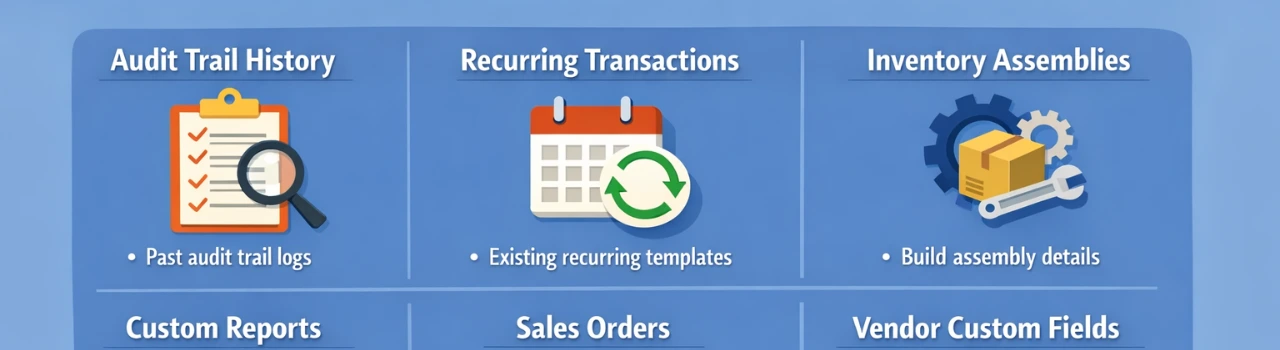
Book a demo with one of our experts!
- Get a guided tour
- Let's do the setup together
- 100% Free
When moving to QuickBooks® Online from another system (like desktop accounting software or spreadsheets), most core financial data transfers successfully — but not everything migrates.
Custom Templates
Custom invoice templates, sales forms, and detailed formatting designs typically do not transfer and must be recreated manually.
Audit Trail History
Detailed audit trail logs showing who edited transactions may not migrate.
Recurring Credit Card Charges
Saved recurring payment authorizations or merchant processing settings usually do not transfer.
Advanced Inventory Details
Serial numbers, lot tracking, barcode data, and certain advanced inventory configurations often do not migrate cleanly.
Custom Reports
Memorized or customized reports generally need to be rebuilt inside QuickBooks® Online.
Attachments (Sometimes)
In some migrations, attached documents (like receipts or PDFs) may not transfer automatically.
Payroll History (Limited Cases)
Detailed historical payroll data may require special conversion or manual setup, depending on the source system.
Price Levels & Specialized Settings
Certain pricing rules, industry-specific features, and advanced settings may not convert.
Why This Matters
Before migrating, it’s important to review your existing data and create a checklist. Proper planning helps prevent reporting gaps and setup errors after conversion.

Contact Information


Request a Quote
